How Atona works.
Short, practical guides for every part of Atona — what each capability does, how to use it, and what you stay in control of.
Getting started
Request access, choose your employee, connect your calendar and inbox, and watch your first morning brief land. Start here.
Start here →Workflows
Multi-week plans that span days, people, and channels — authored in plain language.
Read guide →Outreach
Sending email, texts, WhatsApps, and calls from your dedicated assistant identity.
Read guide →Email on autopilot
Auto-replies, drafts, sensitive handling, teaching preferences.
Read guide →Memory
How Atona remembers — across channels, with standing preferences.
Read guide →Privacy
Which mail is kept away from AI, the forget-on-a-schedule promise, and what you control.
Read guide →Morning brief
What's in it, how to customize it, and the evening recap.
Read guide →Calls
Letting Atona answer and place calls on your behalf.
Read guide →Meetings
Joining your video calls, taking notes, sending summaries.
Read guide →Calendar
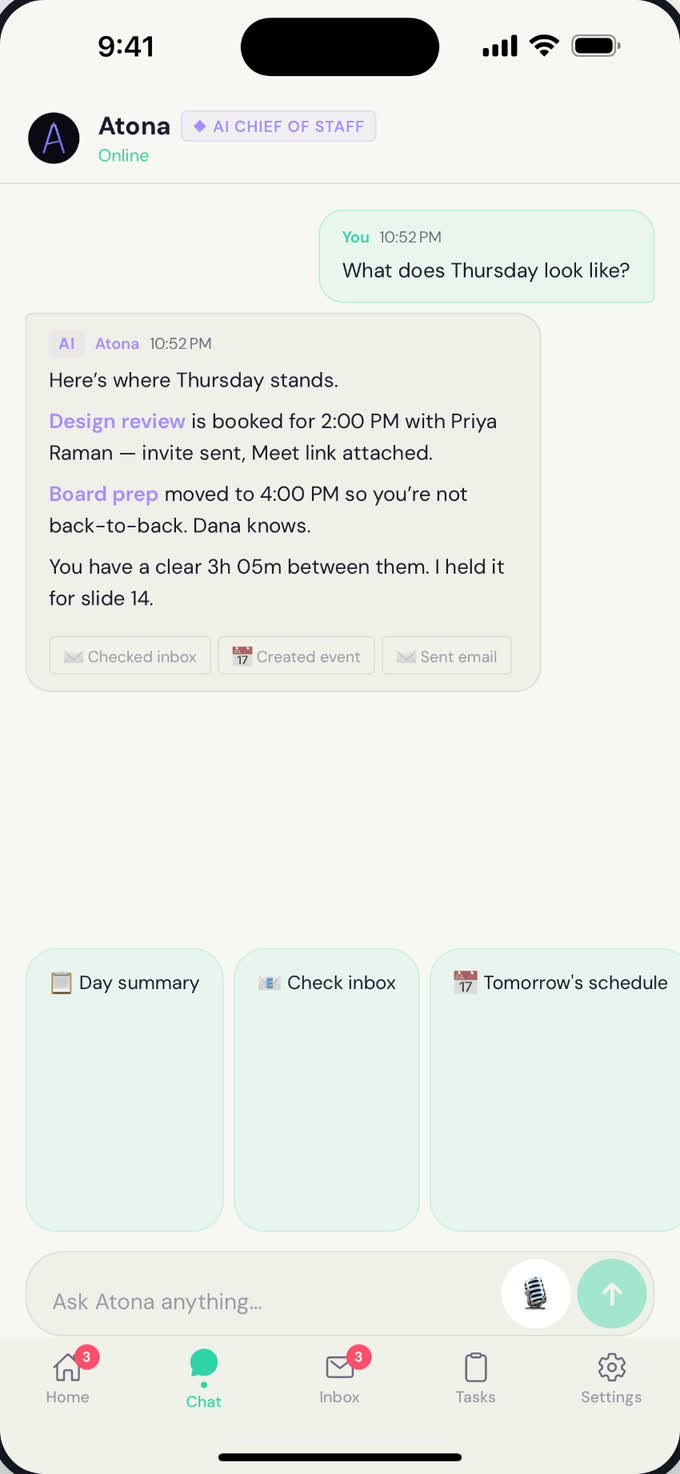
Scheduling without the back-and-forth — from any channel.
Read guide →Scheduling links
Your personal booking page — share a link, visitors pick a time, event created.
Read guide →Tasks
Delegating real work — autonomous execution, status, approval.
Read guide →Research
Multi-angle research synthesized into structured reports.
Read guide →Texts
SMS and WhatsApp from your dedicated assistant numbers.
Read guide →Reservations
Finding restaurants and booking the table for you, by phone.
Read guide →Ready to try Atona?
Atona is invite-only while we onboard in small batches. Request access with an invitation code, or tell us what you need and we’ll review it.
Already have access? Sign in · Android in beta.